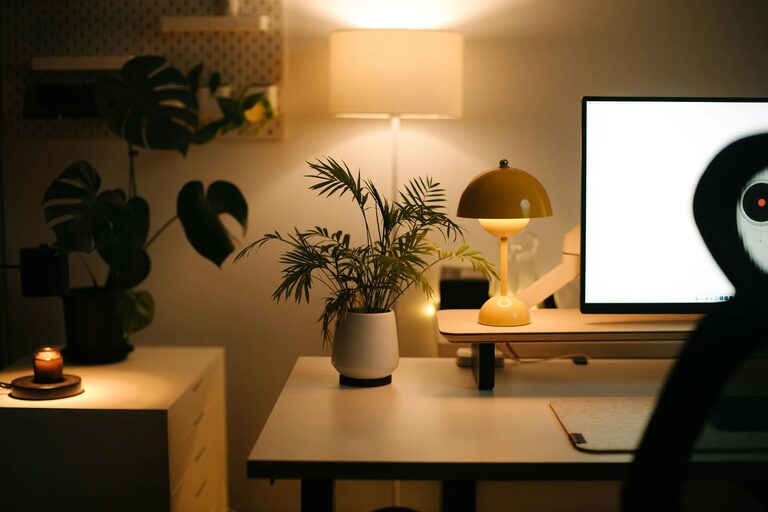
Creating a cozy and productive home workspace is essential in today’s world, where many of us spend a significant amount of time working remotely. A well-designed workspace can boost your focus, reduce stress, and make your workday more enjoyable. Whether you have a dedicated room or just a small corner, these tips will help you transform your area into a cozy and efficient place to work.
Choose the Right Location
Selecting the perfect spot for your workspace is the first step toward productivity. Here are a few considerations:
– Natural Light: Try to set up your desk near a window to benefit from daylight, which can improve your mood and reduce eye strain.
– Quietness: Pick a place with minimal distractions and noise, so it’s easier to focus on your tasks.
– Space: Make sure there’s enough room for your desk, chair, and any supplies or equipment you need.
Invest in Comfortable Furniture
Comfort is key to maintaining productivity during long work hours.
– Ergonomic Chair: Choose a chair that supports your back, encourages good posture, and is adjustable in height.
– Desk at the Right Height: Your desk should allow your arms to rest comfortably while typing or writing.
– Footrest: If your feet don’t touch the floor, consider a footrest to reduce leg strain.
Organize and Declutter
A tidy workspace can help clear your mind and increase efficiency.
– Use Storage Solutions: Drawers, shelves, or organizers keep supplies neat and within reach.
– Limit Desk Items: Only keep essentials on your desk to reduce visual clutter.
– Regular Cleaning: Set aside time weekly to clean and organize your workspace.
Incorporate Personal Touches
Adding elements that make the space feel welcoming can boost your mood.
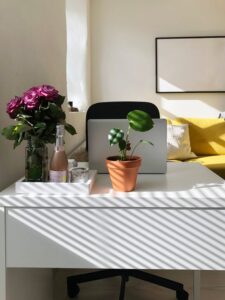
– Plants: Greenery can brighten the area and improve air quality.
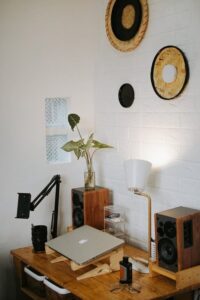
– Artwork or Photos: Personal images or inspiring art add character and motivation.
– Comfort Items: A cozy blanket or decorative cushions can make your chair more inviting.
Optimize Lighting
Proper lighting prevents eye strain and helps maintain energy.
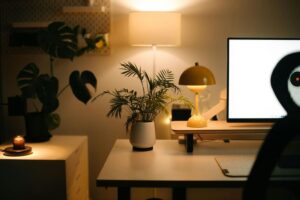
– Layered Lighting: Use a combination of ambient light, task lighting (like a desk lamp), and accent lights.
– Adjustable Lighting: Consider lamps with adjustable brightness to suit different times of day.
– Avoid Glare: Position screens and lamps to reduce reflections and glare.
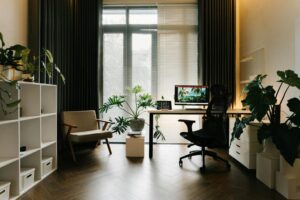
Create Zones for Different Tasks
If space allows, try dividing your workspace into areas for various activities.
– Work Zone: Your desk for computer work and writing.
– Reference Zone: Shelves or filing cabinets for books and documents.
– Break Zone: A small comfortable chair for reading or short breaks.
Manage Cables and Technology
Tangled cords and disorganized tech can be distracting.
– Cable Organizers: Use clips, sleeves, or boxes to keep cords tidy.
– Wireless Devices: Consider wireless keyboards, mice, or headphones to reduce clutter.
– Ergonomic Tech Setup: Position your monitor at eye level and use a keyboard and mouse that reduce wrist strain.
Set Boundaries
To maintain productivity and well-being, it’s important to separate work from personal life.
– Defined Work Hours: Establish specific start and end times for work.
– Clear Signals: Use signs, closed doors, or headphones to indicate when you shouldn’t be disturbed.
– End-of-Day Routine: Tidy your workspace and shut down equipment to signal the end of your workday.
Keep Essentials Within Reach
Having important items nearby reduces interruptions.
– Stationery: Pens, notebooks, and sticky notes in an organizer.
– Water Bottle or Mug: Staying hydrated helps maintain focus.
– Planner or Calendar: Keep track of appointments and deadlines easily.
Maintain Good Air Quality and Temperature
A comfortable environment supports concentration.
– Ventilation: Open windows occasionally or use a fan.
– Temperature Control: Use a heater or fan as needed to stay comfortable.
– Air Purifier: Consider if you live in an area with poor air quality.
Final Thoughts
Creating a cozy and productive home workspace doesn’t require a large budget or a special room. Small changes like organizing your desk, adding personal touches, and optimizing light and furniture can make a significant difference. The key is to design a space that supports how you work best while making you feel comfortable and motivated. Start with one or two tips and gradually adjust until you find the perfect balance for your home office.