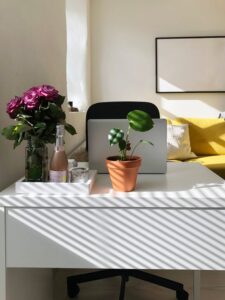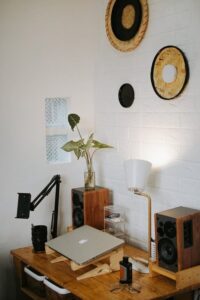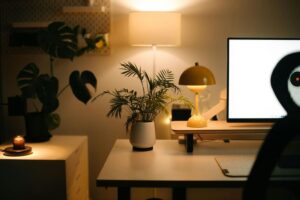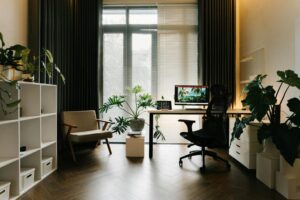
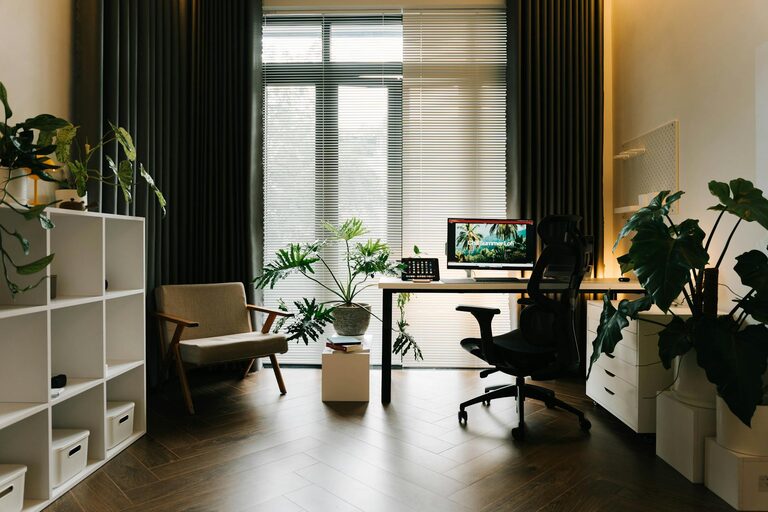
Creating a cozy and functional home office space is essential for staying focused and motivated, especially as many of us spend more time working from home. Whether you have a dedicated room or just a small corner, thoughtful design can make your workspace inviting and efficient. In this post, we’ll share practical tips to help you craft a home office that feels comfortable and supports your productivity.
1. Choose the Right Location
Finding the best spot for your home office is the first step. Ideally, select a quiet area with good natural light to reduce eye strain and boost mood.
– Consider light: Position your desk near a window if possible, but avoid glare on your computer screen.
– Minimize distractions: Choose a space away from noisy areas or high-traffic zones in your home.
– Think about privacy: If video calls are part of your routine, pick a tidy spot with a neutral background.
2. Invest in a Comfortable Chair and Desk
Comfort is key to maintaining focus and preventing physical discomfort during long work sessions.
– Ergonomic chair: Choose a chair with adjustable height, lumbar support, and comfortable cushioning.
– Proper desk height: Your desk should allow your arms to rest comfortably with elbows at about a 90-degree angle.
– Space for essentials: Ensure your desk has enough surface area for your computer, notebook, and any other tools you frequently use.
3. Optimize Lighting
Good lighting can reduce eye strain and help you stay alert.
– Combine natural and artificial light: Use daylight during the day and add adjustable desk lamps for task lighting.
– Warm light tones: Choose bulbs that emit warm, soft light to create a cozy atmosphere.
– Avoid glare: Position lights to avoid reflections on your screen and use curtains or blinds as needed.
4. Organize Your Workspace
An organized desk helps you stay focused and reduces stress.
– Use storage solutions: Incorporate shelves, drawers, or baskets to keep supplies tidy and within reach.
– Declutter regularly: Remove unnecessary items to maintain a clear workspace.
– Cable management: Use clips or cable sleeves to prevent cords from tangling and creating clutter.
5. Add Personal Touches
Personalizing your office can make it feel welcoming and inspire creativity.
– Incorporate plants: Small indoor plants improve air quality and add a calming green touch.
– Display meaningful items: Photos, artwork, or motivational quotes can make your space feel uniquely yours.
– Choose a soothing color palette: Soft, neutral colors or your favorite tones can enhance comfort.
6. Include Functional Accessories
Certain accessories can enhance your workflow and comfort.
– Laptop stand or monitor riser: Adjust screen height to avoid neck strain.
– Keyboard and mouse: Invest in ergonomic options for better hand positioning.
– Desk organizer: Keep pens, paper, and gadgets handy but orderly.
– Whiteboard or corkboard: Use these for tracking tasks, deadlines, or brainstorming ideas.
7. Create Boundaries Between Work and Rest
Maintaining a balance between work and home life is important.
– Separate your office space: If possible, close the door or use room dividers to signal when you’re working.
– Maintain a routine: Set regular working hours to help focus and avoid burnout.
– End-of-day ritual: Clear your desk or turn off your computer to mark the end of the workday.
8. Consider Technology Needs
Ensure your home office supports your specific work requirements.
– Reliable internet connection: A strong, stable connection is essential for smooth video calls and downloads.
– Headphones or speakers: Use these for calls or to listen to music that helps you concentrate.
– Power outlets and chargers: Convenient access to power helps you stay connected without interruptions.
—
Creating a cozy and functional home office is about balancing comfort, organization, and practicality. By following these tips, you can design a space that helps you feel motivated and relaxed, making your workday more enjoyable and productive. Remember, your home office should be tailored to your personal needs and preferences—don’t hesitate to experiment until you find the perfect setup!